Start with the job, not the design
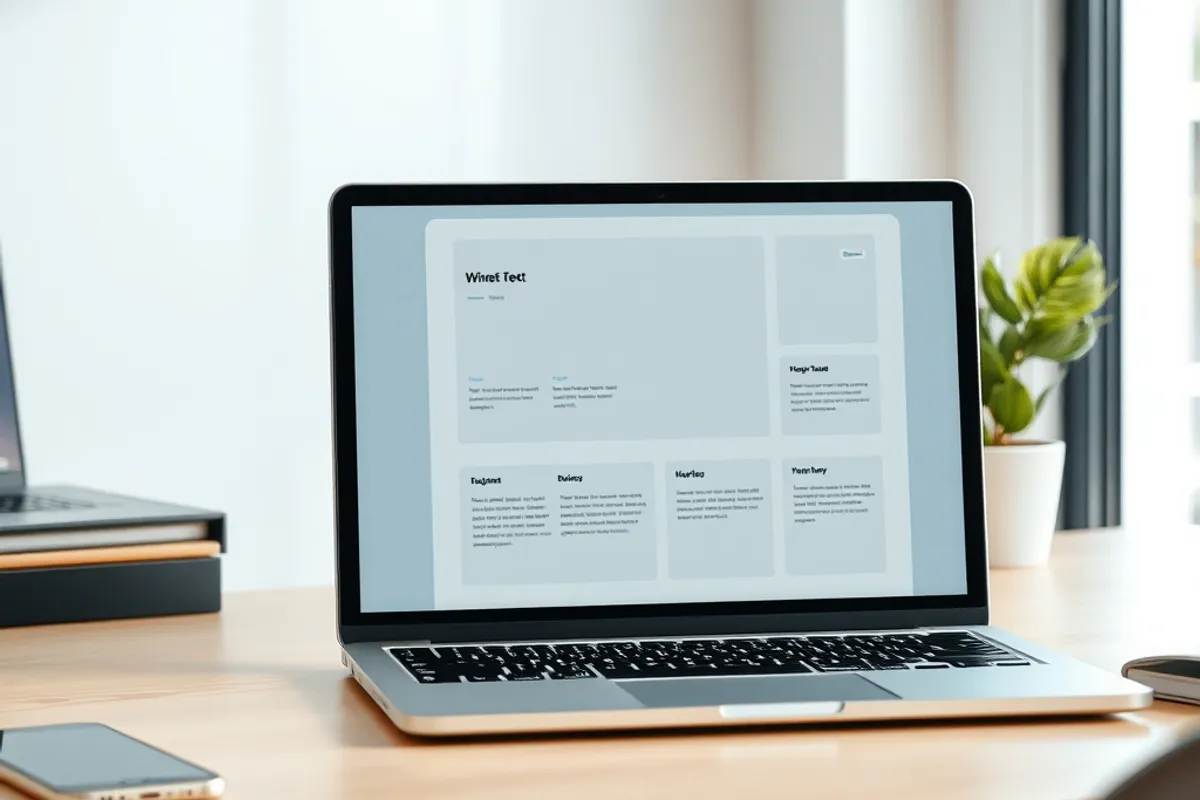
Before you pick a colour, write one sentence: what should a visitor do here? Book a call, read a guide, buy a product or find an address. Every page should make that action obvious. Sites that start with a template usually end up with five pages of decoration and no clear next step.
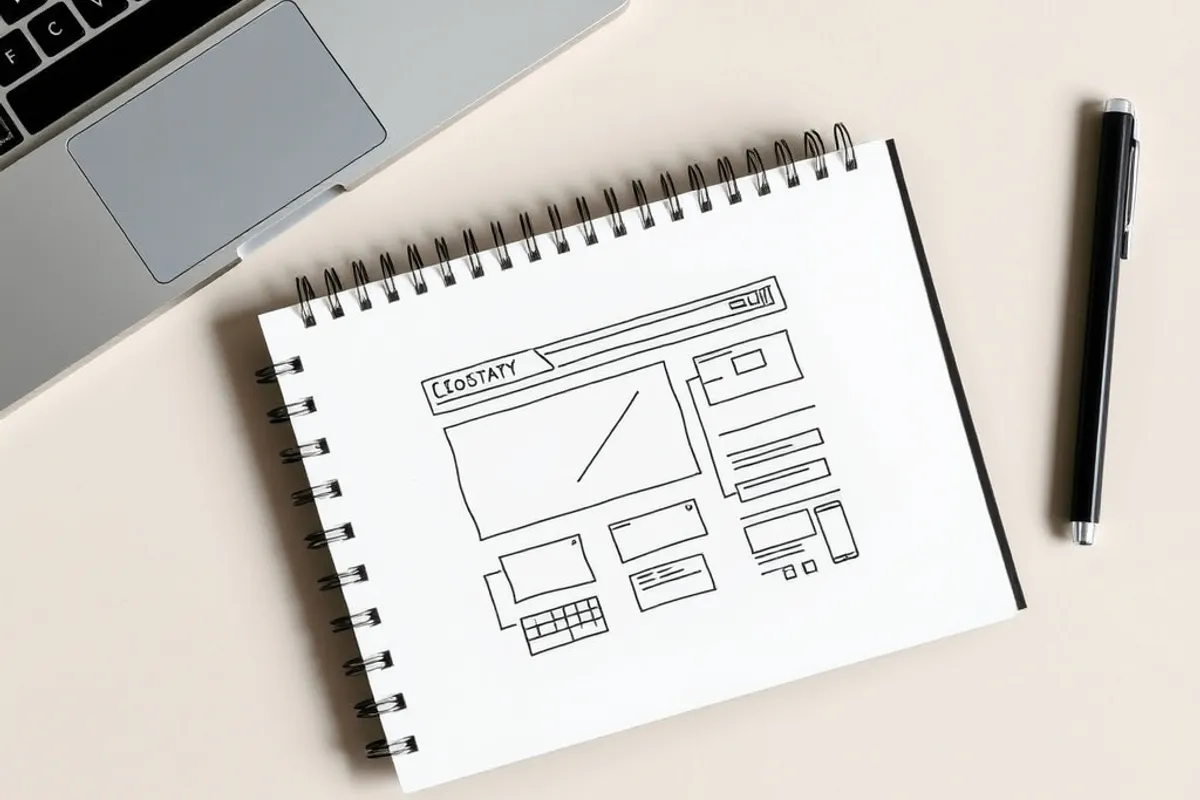
List the pages you need. Most small sites need five: home, about, services or products, contact and one proof page such as work or testimonials. A blog is optional at launch. If you sell, add a store page. If you publish, add an article template. The list is your budget and your sitemap at the same time.
Domain and hosting in plain English
The domain is your address, such as yourbrand.com. It costs about $12 to $20 a year and you should register it in your own name, not your developer's. Hosting is the computer that serves the files. Good shared hosting costs $5 to $15 a month for a small site. Managed hosting costs more and saves time.
Keep the two separate. A cheap registrar plus a separate host makes it easy to move later. Avoid a free domain bundled with a multi-year contract; leaving usually costs more than the discount saved. If you plan to use a website builder, check whether it includes hosting or charges extra for a custom domain.
Choose a platform you can leave
There are three sensible paths. A hosted builder is fastest and handles updates for you. Self-hosted software gives you control and costs more time. A custom build makes sense only when your product is unusual. For most small sites, a hosted builder is the right first home.
Whatever you choose, test the exit before you commit. Can you export your content? Does the domain move cleanly? Are images stored in a standard folder? A platform that holds your pages hostage is a bad deal even when it is cheap. The same question applies to your files, which is why our cloud storage guide starts with export speed.

A website is a shop, not a business card. Build the thing people came to do first.
Structure and content that answer questions
Write for the reader who arrived from a search result. Put the answer near the top, then the detail. Use one clear heading per section and short paragraphs. A page that explains a service in 400 useful words will beat a page of 200 words and a stock photo of a handshake.
Every page needs a title, a description and one main heading. Link related pages to each other with normal words, not "click here". Add an about page with a real name and a contact route. Those small signals build trust faster than a badge or a pop-up. Our guide to SEO for beginners turns this structure into a repeatable routine.
Design that loads fast
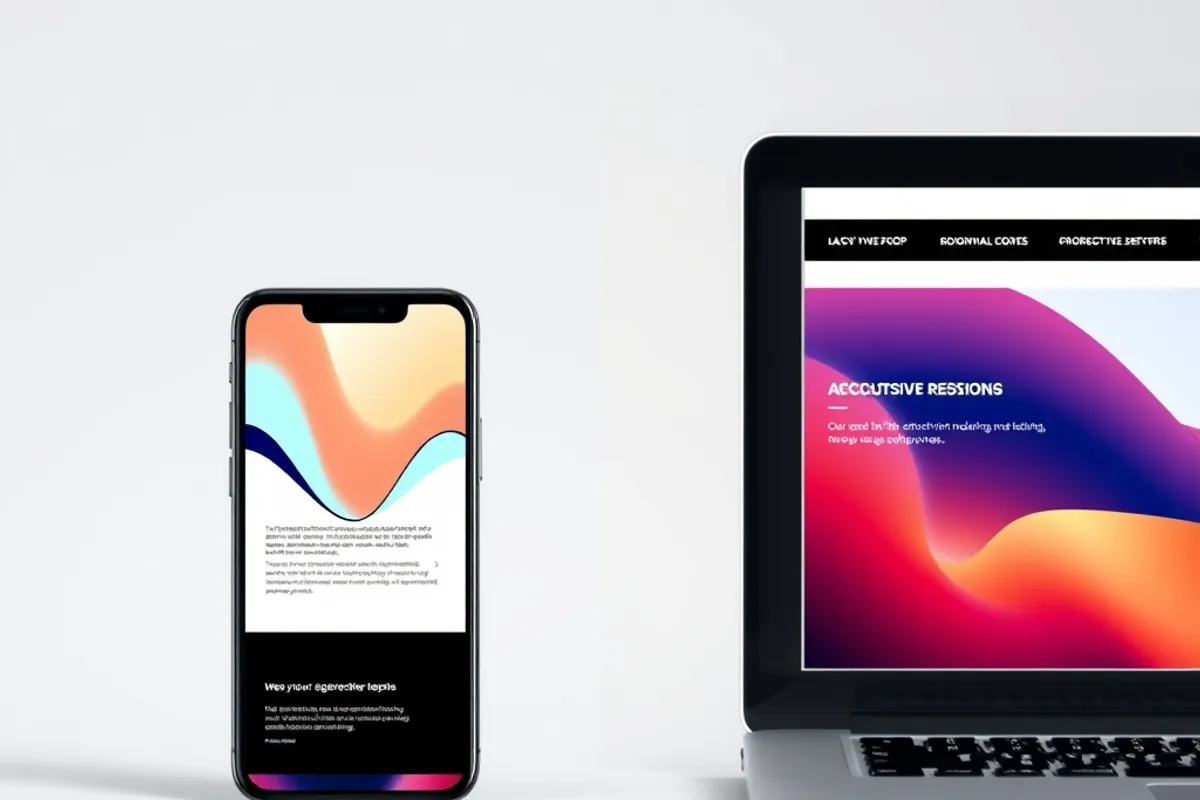
Pick two fonts, one accent colour and a lot of white space. Compress every image and give it a width and height so the page does not jump while loading. Use a hero image that is smaller than 200 KB, not a 5 MB photo straight from a camera. Most visitors are on a phone, often on a weak connection.
Test on a real phone, not just a narrow browser window. Tap every button. Check that text is readable without zooming and that the menu opens without a fight. Accessibility is part of speed and trust: clear contrast, labels on forms and alt text on images. The W3C Web Accessibility Initiative has short, practical guidance for every one of these.

SEO and analytics from day one
Add a sitemap, a robots file and a canonical link on every page. Connect a free analytics tool and verify your site in a search console. That takes an hour at launch and saves months of guessing later. Track one conversion, such as a form submission or a checkout, rather than every click on the page.
Do not buy an SEO package before the basics are done. Clean titles, fast pages and useful content come first. The technical list in our technical SEO checklist is the order we would follow. If you are on a hosted builder, most of the technical work is already handled; focus on content and page speed instead.
Launch checklist
Before you announce the site, run a short list. Check every link. Submit the contact form and confirm the email arrives. Test the site on two browsers and one phone. Make sure the domain has HTTPS and that the www and non-www versions both resolve. Add a privacy page if you collect any data at all.
Then publish. A live site with five good pages beats a perfect site that never ships. Keep a list of improvements for the first month and fix the ones that affect real visitors. The work after launch is where a site becomes useful, and where the habits in our SEO guide start to pay off.